
How to Create Custom Short URLs for Free (Step-by-Step Guide)
Url shortner | Published on: Apr 02, 2025 | Views: 15878What is a Custom Short URL?
A custom short URL is a shortened version of a web link that includes a custom domain or keyword. Unlike generic short URLs that use a random set of characters, a custom short URL allows you to add a personalized touch to the link.
For example:
- Generic short URL: https://frwd.ly/3Xb2Yz
- Custom short URL: https://yourbrand.com/offer
Custom short URLs make it easier for people to identify and trust the link. They are also more likely to be clicked because they look professional and authentic.
Benefits of Creating Custom Short URLs
Using a free custom link shortener has several advantages:
1. Brand Recognition and Trust
Custom short URLs that reflect your brand name or a relevant keyword help build trust and credibility with your audience.When people see a familiar or meaningful name in a link, the chances of clicking increase, which makes them more likely to engage with it.
2. Higher Click-Through Rates (CTR)
Studies have shown that branded short URLs have a higher click-through rate compared to generic links. A precise and recognizable link looks more professional and trustworthy.
3. Easy to Share and Remember
Long URLs can be complicated and hard to remember. Custom short URLs are simpler, making them easy to share through social media, email, and other platforms.
4. Enhanced Tracking and Analytics
Most free custom link shorteners provide tracking and analytics features, allowing you to monitor the performance of your links. You can track the number of clicks, location of users, and more.
5. Improved SEO Performance
Short, clean URLs with relevant keywords can positively impact your search engine rankings. They make it easier for search engines to index your content and improve user experience.
How to Create Custom Short URLs for Free – Step-by-Step Guide
Creating a custom short URL for free is simple and straightforward. You can use numerous free link shorteners available online, such as 99forward, Bitly, Rebrandly, TinyURL, Short.io, and BL.INK. For this guide, we’ll use 99forward since it’s one of the most user-friendly and widely used platforms.
The first step is to create a free account on 99Forward. To start with the process goes to https://99forward.comand click on sign up free button.SImply fill the basic details that are required to create an account such as add your user name, email address, create password and then click on sign up button. You will get an activation email on behalf of 99Forward team. Open your Gmail account and activate your account. Once you are signed in, you are set to chase the process of creating custom short URL.
Now you just need to utilize 99Forward features available on their platforms. Shorten your URL by clicking on the “Create button” at the top of the 99Forward dashboard. Paste the long URL which you want to shorten into the box and click on the create button. 99Forward will generate a short URL for you automatically within seconds.
Once the link is generated you have the option to modify it. This is where you can add your brand name or keywords in your URL and make it look more precise and credible. Edit the back half of the URL (the part after the /) to reflect your brand or content. For example, you can change frwd.ly/3Xb2Yz to frwd.ly/YourBrandOffer to make it more meaningful and recognizable. Once you’re happy with the custom URL, click "Save."
Before you share your custom short URL, it is vital to test it. Open a new browser window and paste the custom short URL, and make sure that it redirects to the correct destination. If it opens correctly then you are all set to go! Now you can start using custom short URLs across diverse channels such as social media platforms, email marketing campaigns, business cards, messaging apps etc. Custom short URLs make it more convenient for people to connect with your content and brand because they are precise, clear and easy to remember.
Once your custom short URLs are live, you can monitor its performance using 99Forward built-in analytics tool features. 99Forwards complete analysis based on number of clicks, geographic location of the click, types of devices and other referring platforms such as social media, website, email etc. These insights assist you to understand which platforms and tactics are performing best so that one can adjust the approach and improve overall outcomes.
To improvise the advantages of custom short URLs, follow some best practices. Keep your short URLs simple and readable which is easy to remember. Avoid complicated terms or special characters that may create confusion. Always maintain consistent branding across all your links by using a similar format or naming structure. Last but not the least, always test the link before sharing it to make sure it works smoothly.
Why Custom Short URLs Matter
Custom short URLs are more than shorter links. They are a powerful tool that enhance engagement, boost trust and drive more traffic to your content. This makes it easier for users to identify and memorize your brand while giving your valuable insights into your audience behavior.
By using a free custom link shortener, you can create professional, user-friendly links that enhance your digital presence without spending a dime.
Summary
Creating custom short URLs for free is simple and highly effective. With platforms like Bitly and Rebrandly, you can create professional, branded links in just a few minutes. Custom short URLs improve user experience, boost click-through rates, and provide valuable tracking data.
Start creating your custom short URLs today and see the difference in your marketing performance!
Trending Blogs
-
 How to Measure In-Store Customer Engagement: A Complete Guide by 99Forward
-
 How to Create Custom Short URLs for Free (Step-by-Step Guide)
-
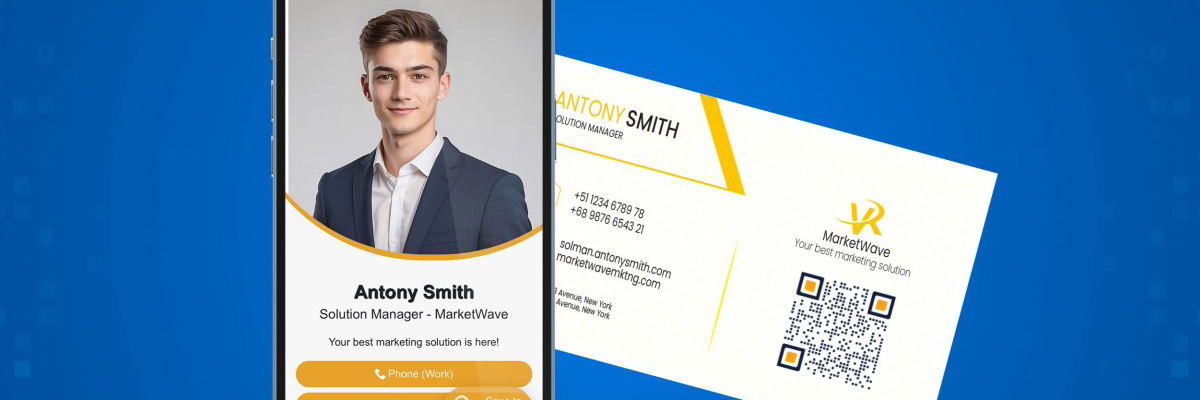 The Future of Digital Business Cards in India: Streamlining Professional Connections
-
 Why Are Retail Stores Closing — And What the Future Holds for the Industry
-
 How to Shorten URLs with Custom Domains